A plan before the switch
We'll discuss your existing service, business numbers, users and desired call handling before scheduling a transition.

A new business phone system should help your business work better, not leave you wondering what happens next. With ELEVATE from CloudBusinessPhone.com, we’ll help you understand the transition, plan your call handling, prepare your staff and know what to expect when your service goes live.
Whether you’re replacing an aging office phone system or exploring AI-powered answering, we start by understanding how your business handles calls today. Then we help identify a practical implementation approach and the steps needed to make it work.
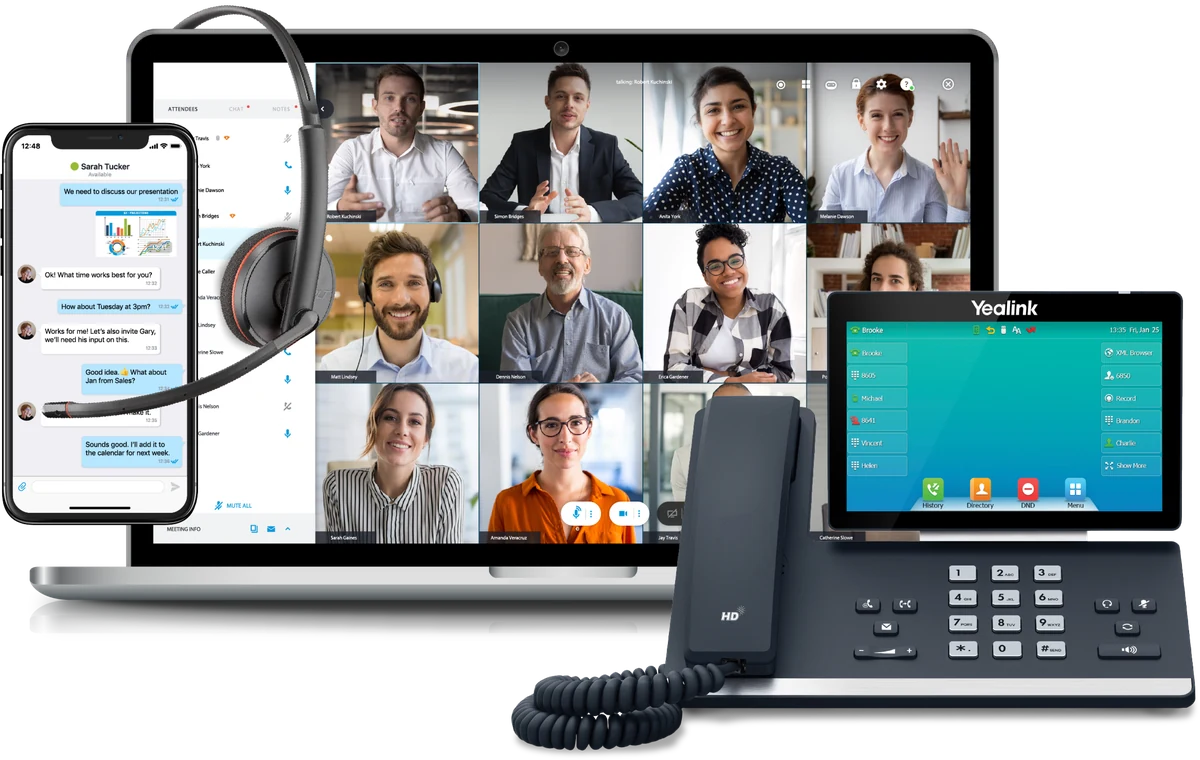
We'll discuss your existing service, business numbers, users and desired call handling before scheduling a transition.
You'll know which decisions and information your team needs to provide, and which tasks belong to the service and implementation teams.
The process includes testing, user orientation and follow-up. Ongoing support and any additional optimization services follow your agreed service plan.
For planning purposes only. These are ranges, not guaranteed activation dates.
Planning estimates, not guaranteed activation dates. Work can overlap, and the final schedule depends on your existing setup, number-transfer approvals, network readiness, device availability and testing. A requested port date is not the same as a confirmed carrier commitment; we’ll help you tell the two apart as your project progresses.
| Project component | Planning range | What it means for you |
|---|---|---|
| Small-business cloud phone migration | Approximately 2–6 weeks overall | Discovery, design, configuration, number transfer, testing and go-live may overlap. |
| Complex or multi-location implementation | Approximately 8–12+ weeks overall | More coordination, locations, workflows or integrations can extend the project. |
| Transfer of local business numbers | Approximately 2–4 weeks | Existing carrier response and account details affect the schedule. |
| Transfer of toll-free numbers | Approximately 1–2 weeks | Toll-free transfers typically follow a separate request process. |
| A new installation without any numbers to transfer | Scope-dependent | Confirm the schedule after users, devices, network and service requirements are known. |
| AI Receptionist added alongside an existing phone system | Scoped separately | Confirm compatibility, call path, content, escalation logic and approvals before quoting a timeframe. |
A practical, step-by-step process to plan, set up, test and launch your new ELEVATE service.
What to expect. We begin with a conversation about your business, current phones, locations, important numbers and the way incoming calls should reach your team. We will identify the person on your side who can approve decisions and coordinate any internal IT help.
You should leave with: A draft transition plan, responsible contacts, a list of required information and proposed next steps.
What to expect. The implementation team translates your requirements into accounts, users, numbers, locations, voicemail and call-routing rules. If you want to keep your current phone numbers, the transfer request can be prepared once the required carrier information and authorization are available.
You should leave with: An approved call-flow plan, a user and number matrix, submitted porting requests when applicable, and a clear list of pending decisions.
Keep your current service active. Do not cancel old telephone service or make uncoordinated carrier account changes while your numbers are being transferred.
What to expect. Before the service becomes your primary phone system, we check that the environment is ready. Some clients will use IP desk phones; others may use desktop and mobile apps, depending on their selected ELEVATE service and approved devices.
You should leave with: Provisioned equipment or apps, a readiness review and a configuration prepared for testing.
Good to know. Call quality and continuity depend in part on local internet, power, Wi-Fi, networking and the agreed failover arrangements. Cloud hosting alone does not remove those dependencies.
What to expect. Before your published business numbers change service, your team should be able to test major calling paths using an agreed test method, which may include temporary numbers or test users. This is your chance to catch routing, greeting, device or workflow issues.
You should leave with: A tested calling setup, trained key users, an issues list and an agreed readiness decision.
If AI is part of your service. We also review approved business information, sample customer questions, fallback and human handoff behavior, and any third-party integrations. Only features included in your contracted service appear on the test plan.
What to expect. On the scheduled launch day, service or porting specialists coordinate activation and, where applicable, movement of your business numbers to ELEVATE. Once that happens, your main calls should reach the new setup. Everyone then checks that real customer calls work the way they were designed to.
You should leave with: A verified live service, confirmation of number-transfer status, known support contacts and a post-launch action list.
Please note. Even a well-planned transfer can be affected by carrier timing, incompatible devices, network conditions or incomplete phone-number assignments, so we plan for a coordinated cutover and do not promise an interruption-free move.
“Our team” means the combined CloudBusinessPhone.com advisory and ELEVATE implementation functions. The exact division of work and the support included are spelled out in your agreed service plan.
| Task | Our team helps with | Your business provides or approves |
|---|---|---|
| Understand existing service | Initial review; migration recommendations | Existing provider and bill, number inventory, goals |
| Plan call flow | Design and configuration guidance | Hours, departments, routing preferences, greetings |
| Transfer phone numbers | Porting coordination and status updates | Accurate account data, authorized signature, existing service kept active |
| Prepare network and devices | Requirements, provisioning, readiness coordination | Local internet, firewall and network access, power, on-site IT |
| Set up people and locations | Service configuration and user guidance | User list, addresses, extension and permission decisions |
| Test and train | Test plan, issue-resolution coordination, orientation | Staff participation, realistic test calls, final acceptance |
| Go live | Activation coordination, cutover verification, escalation | Available decision-maker, live-call testing, issue reporting |
| After launch | Support handoff; scoped follow-up and advisory | Report issues, keep details current, approve future changes |
Gather what you can before your first onboarding call. It’s fine if you don’t have everything; we’ll help fill in the gaps.
In many migrations, existing business numbers can be submitted for transfer to ELEVATE, subject to carrier rules, account accuracy, eligibility and approval. Typical planning windows are about 2–4 weeks for local numbers and 1–2 weeks for toll-free numbers. They are not guarantees.
Keep your existing phone service active until every transfer is complete and verified.
Before committing to go-live, you and the implementation team confirm each of these.
We’ll agree on a launch plan and test the setup before your primary numbers move. On the day of the change, your business and the implementation team will verify that calls reach the right people.

You don't need to figure out a business-phone migration on your own. Tell us how your phones and customer conversations work today. We'll help you understand the options, practical next steps and what implementation would involve for your business.
In many cases, yes. Keeping your business numbers involves transferring them from your current carrier to the new service, a process called number porting. We will help identify which numbers you want to move and what documents are needed. You may be asked for a current telephone bill, the account name and address exactly as recorded by your carrier, and a signed authorization. Transfer eligibility and dates depend on the carrier. Do not cancel your current service before every intended number has been transferred and tested. See the onboarding steps.
Usually not during the preparation stages. We can configure users, greetings, and call routing while your current service remains active, then test the new setup before transferring your primary business numbers. There is still a scheduled cutover, and short interruptions or unexpected carrier delays are possible. Before that day, we agree on what must work first, who is available to test calls, and how urgent calls should be handled if a route fails. We will not promise zero downtime before the cutover plan is reviewed.
Not necessarily. Some teams prefer an ELEVATE desktop or mobile app; others need a physical desk phone, conference phone, or headset. Existing IP phones may be reusable if the exact make, model, firmware, and provisioning method are supported. Analog devices, fax equipment, security systems, and elevator lines may require a separate review. We will inventory what you have before recommending replacements, and confirm which devices your chosen service supports.
Your business or its IT provider generally manages the internet connection, router, firewall, Wi-Fi, network switches, cabling, and power at the office. The ELEVATE implementation team provides the applicable voice requirements and helps identify readiness concerns. We coordinate who will make any required network changes before testing. This is important because a cloud phone system still depends on your local connection for desk-phone and office-based app calling. We will also discuss whether mobile or forwarding options are appropriate for your continuity plan.
Often this is worth evaluating before replacing a working phone system. AI Receptionist can be added to many legacy premises-based environments where the existing carrier and call-routing design permit a supported connection. We check how calls arrive, how the AI would answer them, where transfers should go, and what happens during an outage. Your specific equipment and carrier still need approval; this is not universal compatibility. An AI-only project also has a different setup and testing schedule from a full phone migration.
Training is planned around the roles your staff will actually use. An employee answering calls needs to know transfers, voicemail, the app, and any AI handoff; an administrator may also need to understand business-hours changes, users, and routing. The implementation plan should identify who receives an orientation, what guides or recordings are included, and who handles follow-up questions. Additional workshops or ongoing optimization can be arranged when included in the service agreement.
Before launch, you should receive the correct support contact and escalation path for your ELEVATE account, including how to report calling or number-transfer issues. Sixth City Communications also serves as your business-facing adviser for agreed questions about call flows, adoption, and whether a new AI or Contact Center feature makes sense. Technical support hours and the type of continuing advisory work depend on your selected service. Those arrangements should be clear before your old phone system is retired.
Onboarding to ELEVATE follows five stages: discover and plan, design and start number transfers, prepare phones and network, test and train, then go live and check in. A small or midsize business typically plans for about 2–6 weeks, and larger or multi-location projects about 8–12 weeks or more. These are planning ranges, not guaranteed dates.
Related topics: Business phone migration, Number porting, Cloud phone implementation, Go-live planning