
Help callers get started
Answer the routine questions you hear every day using configured business information.

Your customers don’t know when the front desk is helping someone else, your team is on a job, or the office has closed for the day. They simply want to reach your business. ELEVATE AI Receptionist can answer routine inbound questions, share information you’ve approved, and help callers reach a person when a conversation needs human attention.
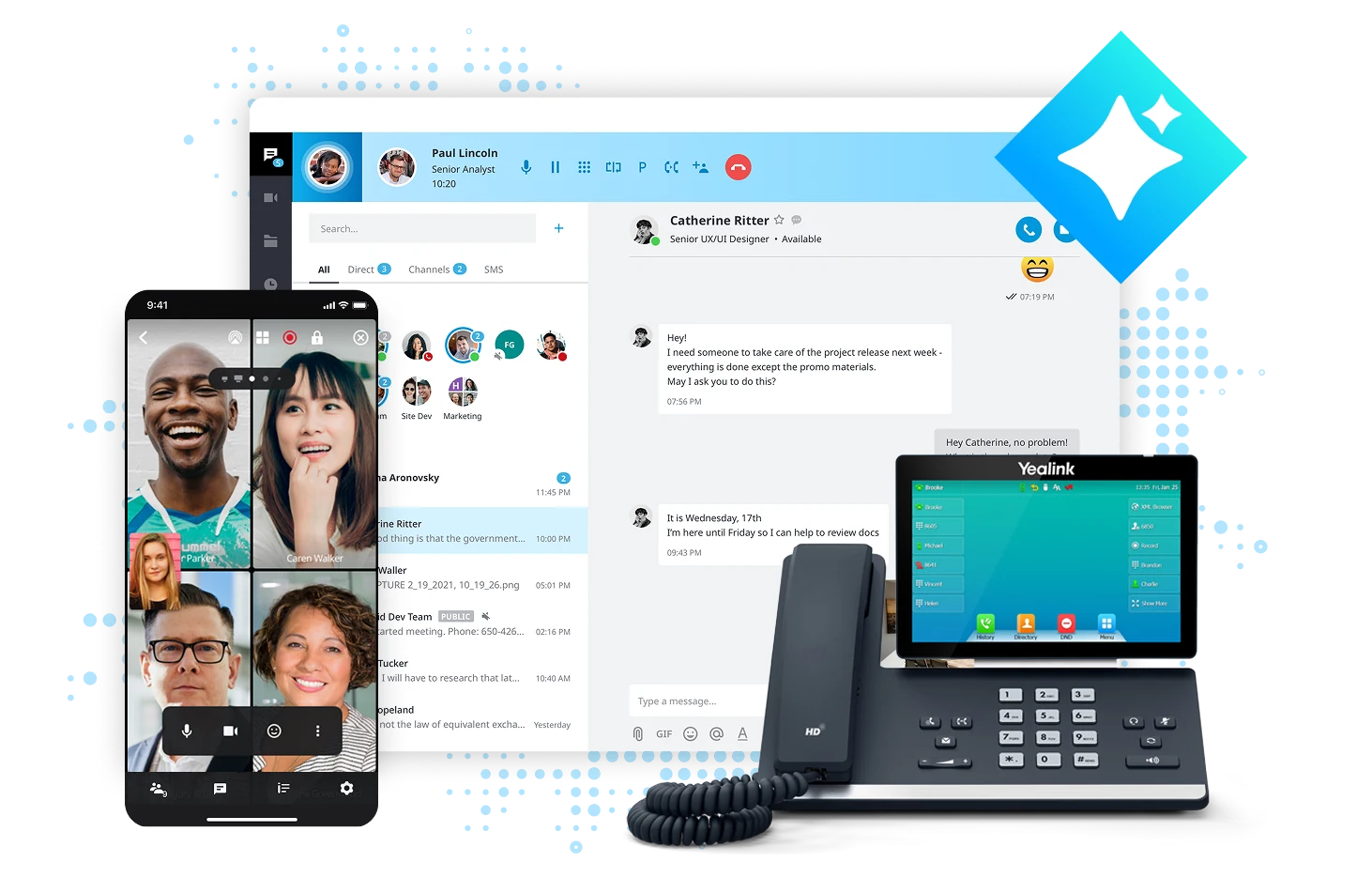
A caller wants today’s hours. Another needs directions. Someone else wants to ask about services or reach a staff member. When the same people who answer the phone are also helping customers, those calls can become interruptions—or go unanswered until someone has time to follow up.
An AI Receptionist can provide a practical first response to the kinds of questions you’ve chosen for it to answer. It isn’t meant to replace the judgment, empathy, or expertise of your employees. It helps create a clearer route between routine requests and the people who should handle the important exceptions.
Answer the routine questions you hear every day using configured business information.
Let staff concentrate on the work in front of them while eligible calls receive an initial response.
Establish straightforward rules for transferring requests that require a person.

Your business greeting invites them to describe their request.

For a suitable routine question, it draws on the approved information configured by the business.

For a complex request or a request to speak with a person, the AI follows the tested transfer or fallback procedure.

The caller reaches a configured person, team or other next step. Additional call context may be available in eligible Contact Center configurations.

Employees review common questions, business changes and handoff problems so the experience stays useful.
Caller: “Are you open Saturday, and can I speak to someone about a service appointment?”
AI Receptionist: “Our Saturday hours are nine to one. I can help you with the next step. Would you like me to connect you with the service team?”
Watch a ELEVATE demonstration of ELEVATE AI Receptionist. The scenarios shown are illustrative, and specific functions depend on your plan and configuration.
▶ Watch the AI Receptionist DemoSituation: A practice coordinator is checking in a customer and cannot stop to answer every ringing line.
Provide an AI first response for suitable routine inquiries and a defined escalation route when the request needs a person.
Help more callers find a useful next step without interrupting every in-person interaction.
Situation: Callers repeatedly ask for hours, location information, service descriptions or standard policies.
Configure FAQs, business details and supported knowledge collections, with someone responsible for reviewing changes.
Make reliable business information easier to reach by phone.
Situation: A customer calls after the office is closed and wants to know what to do next.
Share approved information, explain when a person will be available, and route eligible requests according to predefined policies.
Offer a helpful first conversation even when staff aren’t at their desks.
Situation: A caller has an unusual problem or asks explicitly for a human.
Use configured transfer and fallback rules, including appropriate destinations and tests of busy or unavailable staff. Contact Center may add more contextual assistance.
Use AI where it helps, and involve people where they matter most.
Situation: Customers want to arrange a visit, repair or consultation without playing phone tag.
Help the caller navigate an appointment request and, where a supported calendar integration fits your systems, work with your scheduling process. Other workflows may use staff transfers.
Explore an appointment process matched to the systems your business actually uses.
Situation: The business is excited about AI but satisfied with its existing telephone equipment.
Review whether a supported inbound call path can bring AI Receptionist into the workflow without a full replacement, or evaluate ELEVATE cloud calling if modernization is worthwhile.
Explore AI without assuming your current phones have to go.
If your business phone system is doing its job, let’s first explore whether a supported AI call path can sit alongside it. We can examine existing numbers, carrier arrangements, transfer destinations, business hours and staff availability before recommending a change.
Check My Phone-System Options →If you’re ready to modernize calling across office, desktop and mobile experiences, ELEVATE can be part of a more complete communications plan, with appropriately selected AI options.
Explore Cloud Business Phones →If you have queues, multiple teams or a dedicated customer-service group, receptionist duties may be only one piece of the journey. We’ll review whether Contact Center routing, human Agent Assist and supervisor tools belong in the design.
See AI Call Center Tools →The people behind CloudBusinessPhone.com bring more than 30 years of experience designing and supporting business telephone systems, including premises-based and cloud environments. Our leadership has also operated customer-service and technical-support centers, so we understand that call handling is about people, expectations, exceptions and operational follow-through—not just settings on a screen.
Our promise is honest guidance that consults and solves, not sells. We help you determine whether AI Receptionist makes sense, identify what it should answer, decide when a caller should reach a person, test the system, educate your staff and make appropriate changes over time within the agreed service relationship.
We help you decide where AI belongs in your customer conversations—and make it work for your business.
 FAQs \u00b7 PDF
Downloadable faq and practical resource: FAQ - AI Receptionist.
Read the FAQs Datasheet \u00b7 PDF · free download
Downloadable datasheet and practical resource: Datasheet - AI Receptionist.
 Guide \u00b7 PDF · free download
Downloadable guide and practical resource: User Guide - AI Receptionist.
 Datasheet \u00b7 PDF · free download
Downloadable document and practical resource: CC - AI Receptionist.

Learn your goals, team, and current communications setup.
Confirm the right ELEVATE approach for your business.

Plan your call flows, AI support, and team experience.

Set up, configure, and get everything ready to go live.

Train your team and help everyone get comfortable quickly.

Review results, make adjustments, and keep optimizing for better outcomes.

Tell us where calls are creating interruptions, where callers get stuck and what your team would rather be doing. We’ll discuss what AI Receptionist can realistically handle, how people should remain in the process and whether it fits your existing or planned communications environment.
That is one of the more practical uses. An after-hours caller might ask about tomorrow's opening time, service areas, or how to reach the right department. ELEVATE AI Receptionist can handle supported routine questions using the information you approve. For urgent, unusual, or sensitive matters, we configure a separate escalation or message-handling path. The hours and routing must match the way your business actually operates.
Scheduling is possible in certain supported workflows, so we describe it precisely. Depending on the service, an AI receptionist may provide booking information, guide a caller to a scheduling process, or use an approved integration to check calendar availability and make a booking. The exact calendar, permissions, confirmation behavior, and licensing must be reviewed, and scheduling is not included in every configuration. We confirm what is available today before including it in a proposal.
This is a customer-experience decision that should be addressed during configuration, subject to applicable law and service requirements. We recommend clear identification rather than making a caller think a computer is a human employee. The introduction should sound like your business, state what help is available, and offer a way to reach a person when appropriate.
The assistant should not invent an answer. We design the call flow to ask a clarifying question or offer a transfer, message, or other approved next step. Before activation, we test out-of-scope requests, complaints, unusual terminology, and information that changes frequently, such as prices or scheduling rules.
It may. Many existing phone environments can be evaluated for an AI receptionist add-on, but a supported call path is required. Sixth City reviews how inbound calls reach the current system, how transfers will return to your team, and what happens outside business hours. We will confirm fit before recommending you buy new phones or disconnect the old service.
Start with a short list of frequent, low-risk calls and approved answers. Test the receptionist with realistic variations before launch, then review available interaction records or feedback under your selected service and privacy settings. Assign a person on your team to keep business hours, policies, and special announcements current; an accurate AI receptionist depends on accurate source information.
ELEVATE AI Receptionist answers routine inbound questions with information you approve and helps callers reach a person when a conversation needs one. It is designed to support your employees, not replace them.
Related topics: AI Receptionist, Call answering, Call routing, Small business phones