
Stay with the workspace your team already uses
Microsoft Teams remains the place for internal chat, meetings and file collaboration. ELEVATE adds the business communications functions needed for customer conversations.

Your employees already collaborate in Microsoft Teams. Now consider what happens when business calling works alongside the conversations, meetings and files they use every day. ELEVATE for Microsoft Teams is designed to bring business phone capabilities into the familiar Teams experience, so your team can stay focused on customers instead of a collection of disconnected communication tools. CloudBusinessPhone.com helps you understand how the integration works, evaluate the practical options, and plan the right deployment for your business.
Product compatibility, eligible features and license requirements depend on the selected configuration.
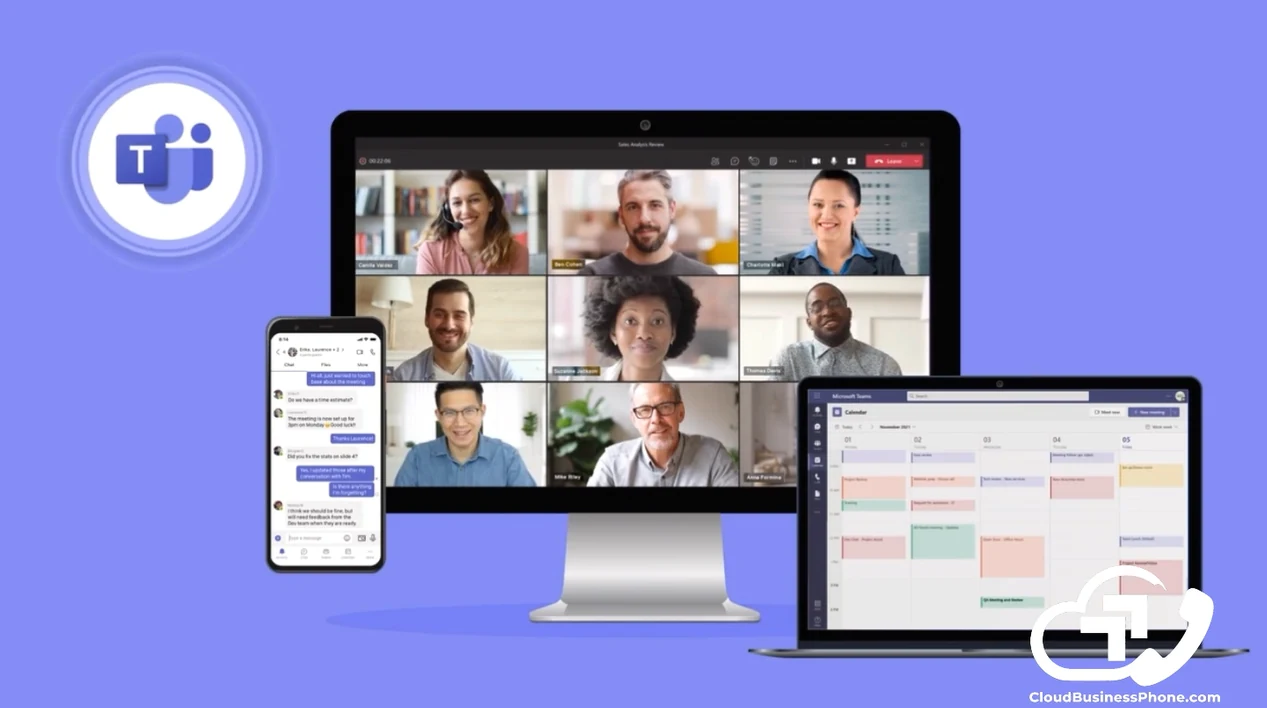
Inside your business, Teams helps colleagues exchange messages, hold meetings and share information. Outside your business, customers still expect to call a real business number, speak with the right person and receive a useful response.
When the phone system sits apart from everyday work, employees may spend time switching tools, re-entering customer information or tracking down the right colleague to help. A modern communications design should make that handoff feel easier. ELEVATE helps connect the two sides of the conversation: your team's existing collaboration environment and the business communications customers depend on.
Microsoft Teams remains the place for internal chat, meetings and file collaboration. ELEVATE adds the business communications functions needed for customer conversations.
Employees can use supported work-number calling options from approved devices, helping maintain a more consistent business identity.
Move beyond a single ringing phone or an improvised transfer process. Use suitable greetings, routing, hunt groups or queues to help callers reach the right team.
Teams collaboration and eligible presence functions can help employees identify an available colleague and complete the next step more efficiently.
Product compatibility, eligible features and license requirements depend on the selected configuration.
Add eligible ELEVATE calling features through an embedded Teams experience. Employees can work with their business numbers, call handling and supported messaging without replacing Teams as the place where colleagues collaborate.
Review Your Teams Communication Options →If you operate a service desk, scheduling team, sales queue or support center, consider Contact Center routing, agent workflows and supervisor tools with the appropriate Teams integration. More advanced AI functions are separately evaluated and licensed as applicable.
Discuss Contact Center for Teams →Where supported and contracted, assess ways to capture, retain and retrieve eligible business communications. Choose retention policies based on real obligations and applicable product capabilities, not a generic claim of universal compliance.
Review Your Teams Communication Options →Customer conversations create follow-up work. Someone needs to remember the request, identify the important details and move the next step forward.
For supported ELEVATE users and eligible call workflows, AI Call Recap can help turn call activity into a transcript, summary and useful review context. These outputs can assist employees, but they still require appropriate review, permissions and recording practices.
Teams integration is the place to make that context accessible. It is not a reason to assume every AI tool is available inside every Teams screen or license.

Chat, meetings and file collaboration stay in the Microsoft Teams environment your employees already know.

With the appropriate integration, ELEVATE provides business calling functions through an embedded experience, including supported access to call controls and messaging.

The exact desktop, browser and mobile behavior should be demonstrated for your user roles before rollout, so nobody is surprised on day one.
You shouldn't have to explain three separate applications to a new employee simply to help them answer a customer call. This is an opportunity to improve an existing workflow, not an instruction to abandon the applications your team already trusts.
A short look at business calling and SMS working inside the Teams app your people already use.

Hover or tap a card to see how it can help.
Challenge: Staff use Teams for internal meetings and files, but phone calls arrive in a separate app that employees don't always monitor.
Assess eligible ELEVATE embedded calling, number assignments and inbound-routing rules, then train staff on the supported Teams calling experience.
Value: More consistent call handling without requiring employees to learn a replacement collaboration platform.
Example: Keep Teams for the way you work together. Add business calling for the customers who need to reach you.
Challenge: An employee travels between client locations and wants to make business calls without showing a personal number.
Use a supported business-number calling path. For mobile Teams outbound calling, confirm that the required ELEVATE companion application is installed and supported.
Value: A more professional calling identity and greater flexibility for distributed work.
Example: Stay reachable through your business number while working away from your desk.
Business SMS is currently available from supported Teams desktop configurations, not from the Teams mobile app.
Challenge: Callers reach the front office with billing, scheduling and service questions. The receptionist needs to find the right colleague without lengthy holds.
Design eligible call handling, department routing and presence-aware procedures.
Value: More deliberate transfers and better coordination between customer-facing and internal teams.
Example: Help callers reach the right person without making staff chase disconnected systems.
Basic business-phone hunt groups do not include every Contact Center routing feature.
Challenge: Several employees answer incoming service requests; managers need queue visibility, defined escalation and documented workflows.
Evaluate ELEVATE Contact Center with supported Teams integration, call routing, agent functions and supervisor tools.
Value: A clearer service operation that connects customer interactions with internal Teams collaboration.
Example: Give your service team a dedicated customer-response workflow without losing familiar collaboration.
Challenge: Employees take detailed customer calls, but next steps are scattered in handwritten notes and individual memories.
Consider supported AI Call Recap for eligible captured calls, and define a human review and follow-up process. Confirm permissions and recording practices.
Value: Better context for follow-up and fewer details lost between conversations.
Example: Make customer conversations easier to review, summarize and act on.
Challenge: Staff rely heavily on Teams. Management wants to know what calling options exist during a Teams-specific problem.
Evaluate ELEVATE web and mobile access, assign relevant users, test the alternate path, and document the procedure.
Value: A more intentional continuity plan rather than a vague promise of redundancy.
Example: Know your communication options before a disruption happens.
Successful deployment starts with more than installing an application. We want to understand how your business receives calls, which numbers matter, how staff transfer callers, who works on mobile devices and which conversations need a record. CloudBusinessPhone.com helps you work through those decisions, then coordinates an implementation designed around actual employee and customer needs.
Understand, decide, design, deliver, adopt, improve. The objective is a workable communications process, not another technology purchase with no plan for using it.
Teams stays your collaboration client while ELEVATE provides the business calling functions through an embedded experience. This route does not require a separate Teams Phone add-on, but it does not remove your Microsoft 365 requirements.
A different architecture with its own Microsoft licensing. If you specifically want the native Teams dialer, technical discovery determines the right approved approach. We never present the embedded model as the same thing.
ELEVATE Contact Center can be evaluated alongside the cloud phone offering or through a separate qualified path. Queues, channels, AI functions and supervisor tools depend on the selected arrangement; a Teams integration does not automatically include them all.
Microsoft Teams may already be the right collaboration platform for your staff. The question is whether your customer calling, business texting and service workflows are as connected as they should be.
We'll look at the way you work today, explain the realistic options for ELEVATE and Microsoft Teams, and help you compare the scope and trade-offs. For some businesses, straightforward phone integration is enough. Others may benefit from Contact Center, selected AI functions or an updated communications process.
Our leadership team benefits from more than 30 years of relevant business phone experience among its leadership and team.
Our promise: Put technology in service of your employees and your customers.
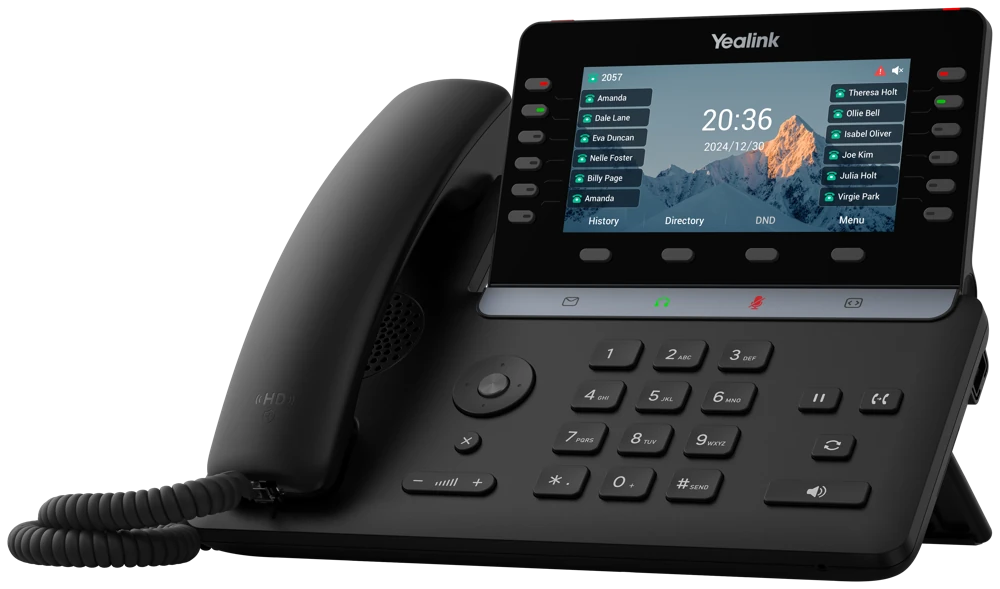
 Brochure \u00b7 PDF · free download
Comprehensive guide to Elevate Unified Communications features, apps, and integrations.

Learn your goals, team, and current communications setup.

Confirm the right ELEVATE approach for your business.

Plan your call flows, AI support, and team experience.

Set up, configure, and get everything ready to go live.

Train your team and help everyone get comfortable quickly.

Review results, make adjustments, and keep optimizing for better outcomes.

Let's talk about your existing Microsoft Teams environment, your business phone system and the customer conversations that matter most. We'll help determine whether ELEVATE's Teams integration is a practical fit and what would be involved in setting it up. A consultation begins with your current workflow. Availability, pricing and implementation scope are confirmed before any commitment.
Eligible ELEVATE configurations can place supported business-calling functions inside the Teams environment employees already use. The objective is to reduce switching between applications while preserving ELEVATE call routing and business numbers. We first verify the Teams tenant, user licenses, intended calling functions, and the supported integration model. This is not the same as promising every Microsoft Teams Phone or Direct Routing feature.
Supported ELEVATE business calls may be available through the Teams mobile experience, but product documentation identifies limitations for certain functions. In particular, SMS is not currently supported through the Teams mobile application in the documented embedded experience. We confirm current support on each device before recommending a mobile-first workflow.
There are ELEVATE Contact Center experiences designed for organizations that work in Teams, but the specific embedded interface and advanced AI features depend on the subscription and current release. We would review the employee's daily tasks, supported Teams desktop/mobile interfaces, and whether switching to a Contact Center interface remains necessary.
Potentially, yes. Microsoft 365/Teams subscriptions and eligible ELEVATE calling or Contact Center licenses are separate commercial considerations. The required Microsoft entitlements depend on your tenant and the integration method. We prepare one combined requirements list before you approve the project.
Your employees already collaborate in Microsoft Teams. Now consider what happens when business calling works alongside the conversations, meetings and files they use every day. ELEVATE for Microsoft Teams is designed to bring business phone capabilities into the familiar Teams experience, so your team can stay focused on customers instead of a collection of disconnected communication tools. CloudBusinessPhone.com helps you understand how the integration works, evaluate the practical options, and plan the right deployment for your business.
Related topics: A small professional office wants one familiar workspace, A mobile employee needs to keep a work identity, A reception team transfers calls to specialists, A service organization needs formal call queues